My Portfolio
Featured Work
This portfolio highlights sample projects I created while developing my skills in instructional design and eLearning development. The artifacts below show my experience with eLearning authoring tools, interaction design, visual planning, and storyboarding.
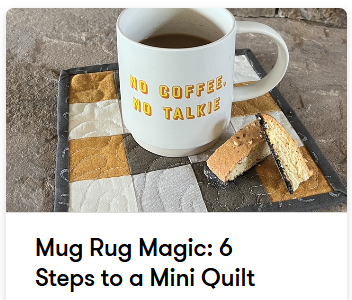
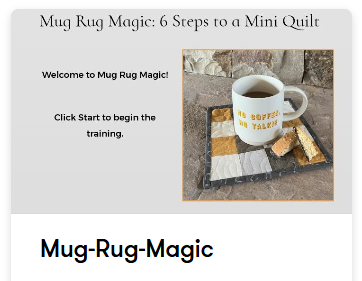
1. Module 2 – eLearning Challenge: Articulate Rise
I created a short, responsive eLearning module in Articulate Rise 360 as part of a rapid design challenge. The module presents a focused topic through organized lessons, media blocks, and simple knowledge checks that work smoothly across devices. The purpose of this artifact was to strengthen my ability to build clean, learner-friendly content efficiently while applying multimedia learning principles.
Skills: rapid prototyping, mobile-first design, content chunking, knowledge checks, visual consistency
Tools: Articulate Rise 360
2. Module 3 – eLearning Challenge: Articulate Storyline
I developed an interactive eLearning experience in Articulate Rise 360 using layers, states, and triggers to create a more dynamic learner experience. Learners engage with the content through exploration, feedback, and interactive elements rather than passive reading. This artifact helped me build skills in designing custom interactivity and troubleshooting learner-controlled experiences in a more advanced authoring environment.
Skills: interaction design, triggers and states, slide layers, custom feedback, learner-controlled navigation
Tools: Articulate Rise 360
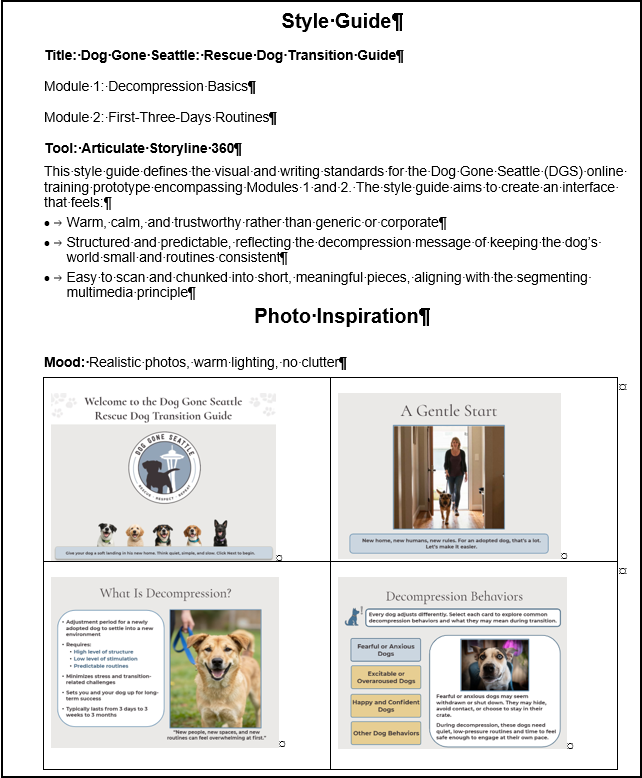
3. Module 3 – eLearning Prototype Style Guide
I created a style guide to define the visual and interaction standards for my eLearning prototype. The guide documents typography, color palette, buttons, imagery, and recurring interaction patterns so the course experience remains cohesive and consistent. This artifact shows how I make and document intentional design decisions that support usability, accessibility, and branding alignment.
Skills: visual design systems, typography, color selection, branding alignment, accessibility-aware design planning
Tools: style guide template, document tools, course design resources
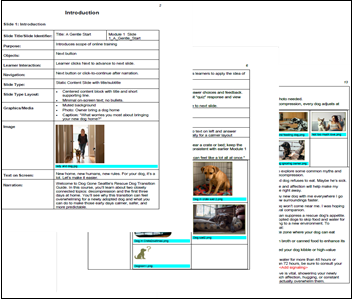
4. Module 4 – eLearning Prototype Storyboard
I created a detailed storyboard that maps learning objectives to screens, narration, and interactive elements for an eLearning prototype. The storyboard outlines how learners move through the experience and serves as a blueprint for development before building the full project in Storyline. This artifact demonstrates my ability to plan instruction strategically, organize content clearly, and communicate design intent ahead of development.
Skills: storyboarding, scripting narration, aligning objectives, sequencing content, mapping interactions
Tools: storyboard template, document tools, planning materials
5. Module 5 – eLearning Prototype Scenarios
I created an interactive scenario-based presentation featuring Alex and Milo using Storyline 360. This artifact uses realistic decision points to help learners apply course concepts and see how their choices can affect outcomes.
Skills: Storyboarding, scenario design, scripting narration, aligning objectives, sequencing content, mapping interactions
Tools: Articulate Storyline 360, storyboard template, presentation software, document tools, planning materialsstoryboarding, scripting narration, aligning objectives, sequencing content, mapping interactions
6. Module 6 – eLearning Prototype Assessments
I developed assessment questions for my eLearning prototype using Storyline 360 to measure learners’ understanding of key course concepts. The questions include meaningful feedback that reinforces correct choices and helps clarify common misconceptions.
Skills: Writing assessment questions, aligning assessments to objectives, developing plausible distractors, writing learner feedback, identifying misconceptions
Tools: Articulate Storyline 360, assessment-planning document, storyboard template, document tools, eLearning authoring toolstoryboarding, scripting narration, aligning objectives, sequencing content, mapping interactions
7. Module 6 – eLearning Prototype Student’s Choice
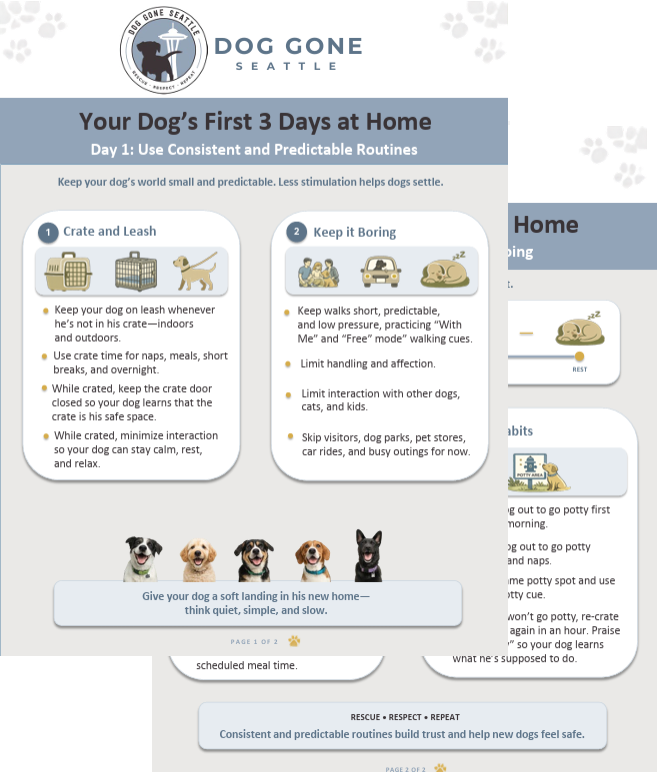
I created a two-page job aid for Dog Gone Seattle that presents essential rescue dog transition guidance in a clear, easy-to-scan format. Dog Gone Seattle began using the job aid as a new-adopter handout and added it as a reference link in its online Rescue Dog Transition Guide training, demonstrating the resource’s practical value for the organization and its adopters.
Skills: Job-aid design, audience analysis, information organization, plain-language writing, visual hierarchy, editing for clarity and usability
Tools: Document-design software, document tools, style guide or brand materials, reference resources
8. Module 7 – eLearning Prototype
I developed an eLearning prototype in Storyline 360 titled Dog Gone Seattle: Rescue Dog Transition Guide. Using Dog Gone Seattle’s updated brand colors, I designed the guide to help new adopters understand rescue dog decompression and establish supportive first-three-days routines. The course combines practical guidance, interactive learning activities, rescue dog and adopter scenarios, quick recaps, knowledge checks, and a final assessment to help learners support a rescue dog’s transition into a new home.
Skills: eLearning design, instructional sequencing, interaction design, visual design, accessibility awareness, assessment integration, quality assurance
Tools: Articulate Storyline 360, image-editing or graphics tools, audio-recording tools, document tools, web-based reference materials